ArticleFor your staff
Set up the staff mobile app
9 Oct 2026 · 1 min read
Get your team on the app for shifts, time off, pay and chat.
Invite staff to the app so their work life lives on their phone. About 4 minutes. Before you start: Your staff have records with an email or phone number.
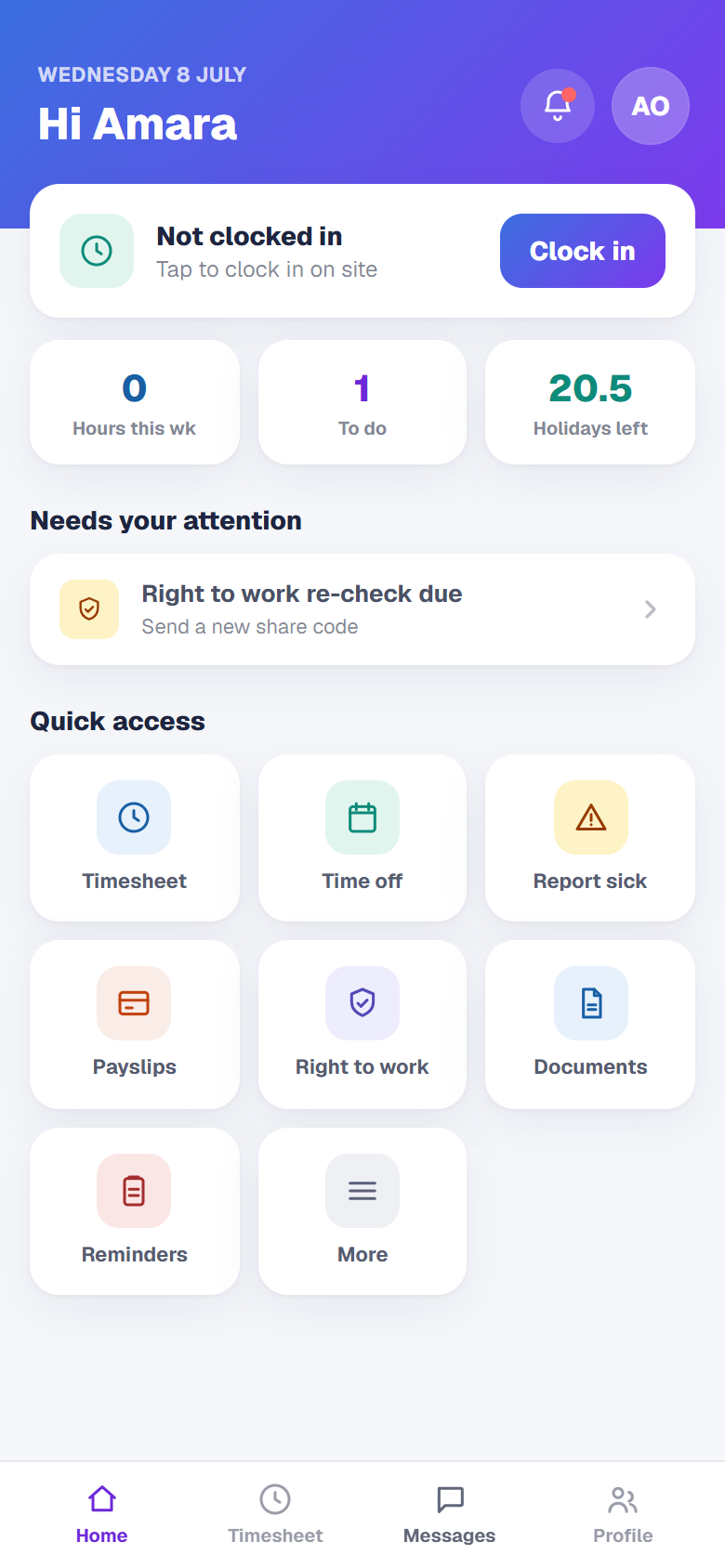
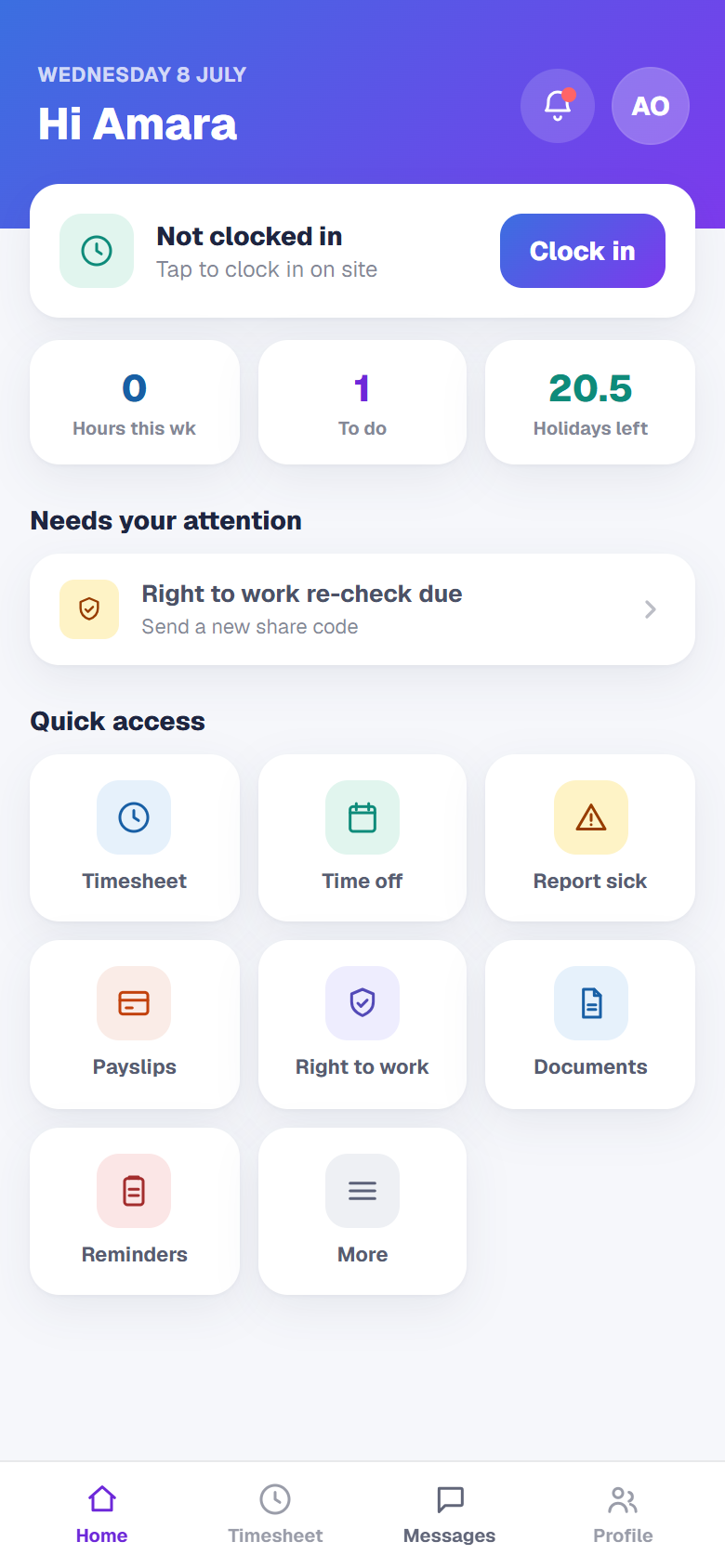
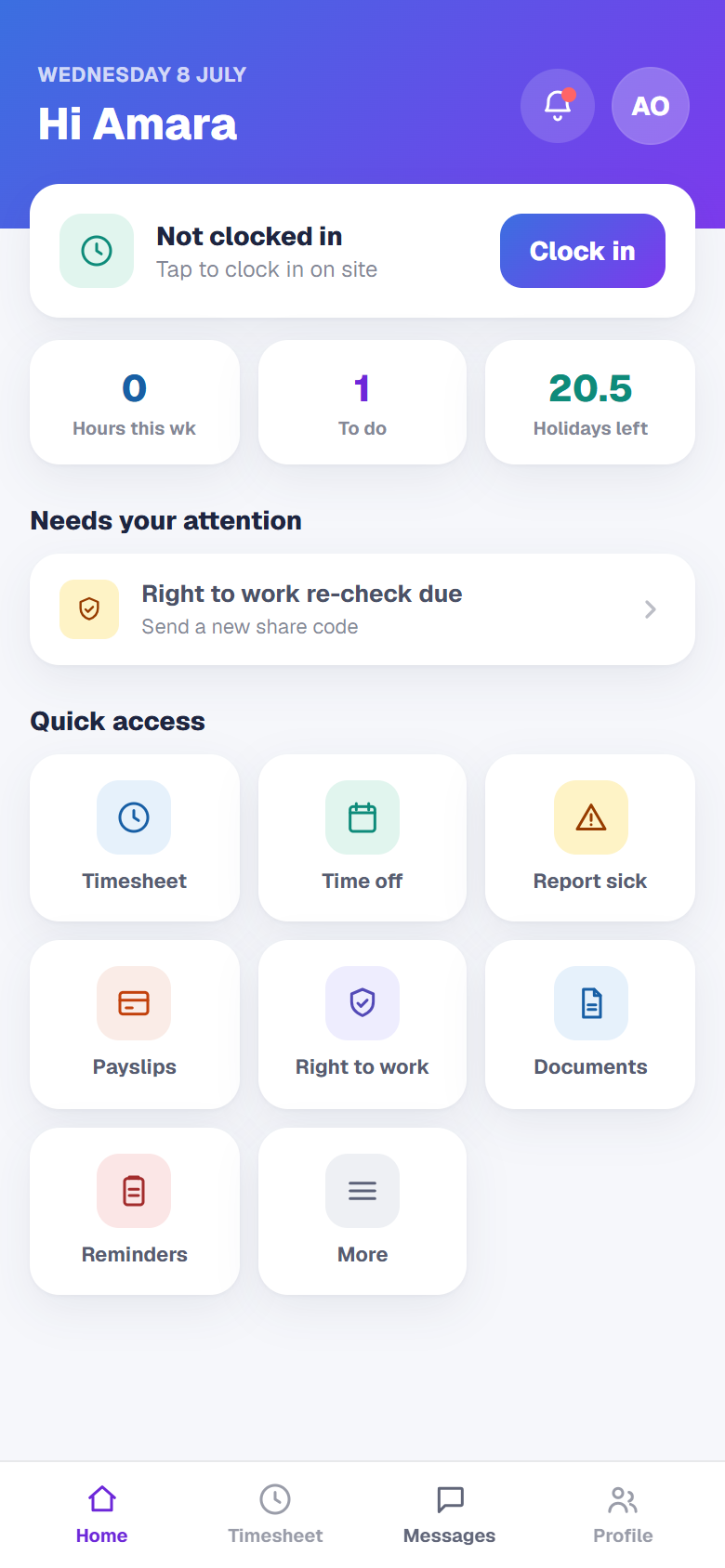
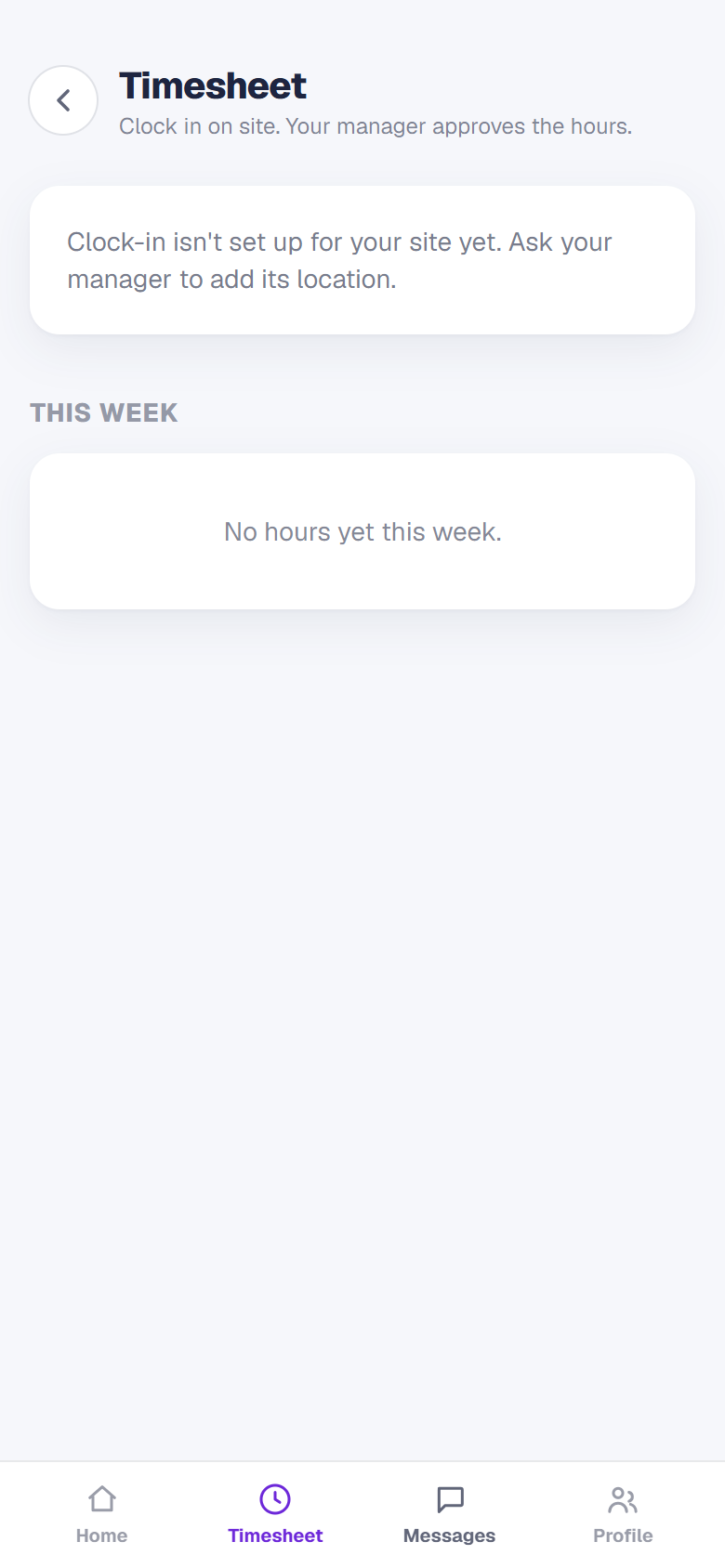
Your team gets their own app, on any phone
1 / 4- 1
Invite your team
From a staff record, send an app invite. They set a password and sign in on their phone.
- 2
Show them what they get
Staff see their rota, clock in and out on site, book time off, read payslips and message their manager.
- 3
Point them to the right place
Employees sign in at app.empliora.co.uk. Subscriptions are only ever paid on the website, never in the app.
- 4
You are all set
A staff member signs in on their phone and sees their own shifts. Next, read "Find your way around Empliora".