ArticleSponsor licence
Set up your sponsor licence
9 Oct 2026 · 1 min read
Record your licence, branches and key personnel in one place.
Enter your sponsor licence details so the whole section works for you. About 6 minutes. Before you start: You hold a sponsor licence and have your licence details.
app.empliora.co.uk
Record your licence number and routes
1 / 4- 1
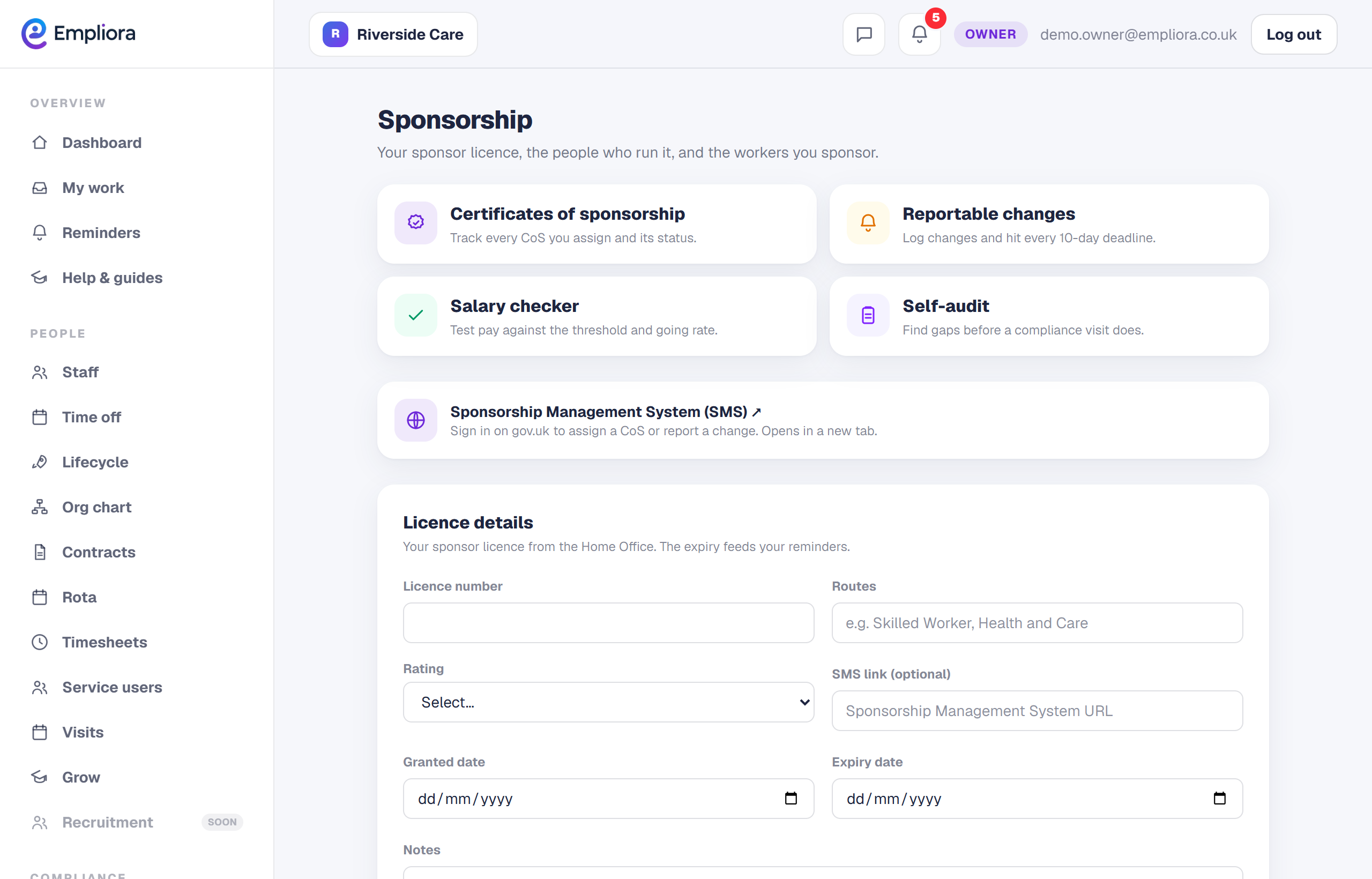
Open Sponsor
Open People, then Sponsor.
- 2
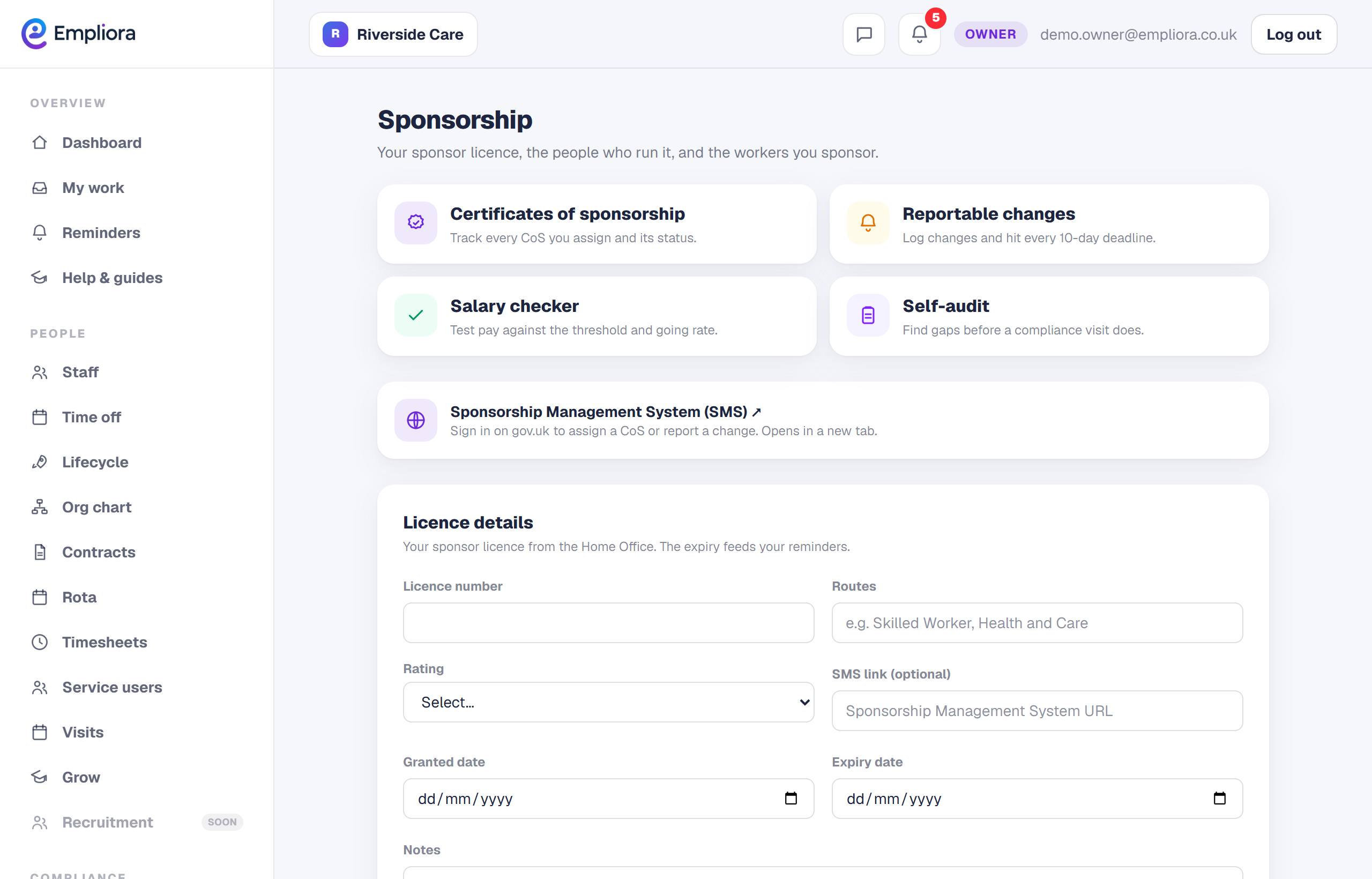
Add your licence
On the Overview tab, enter your licence number, rating and expiry.
- 3
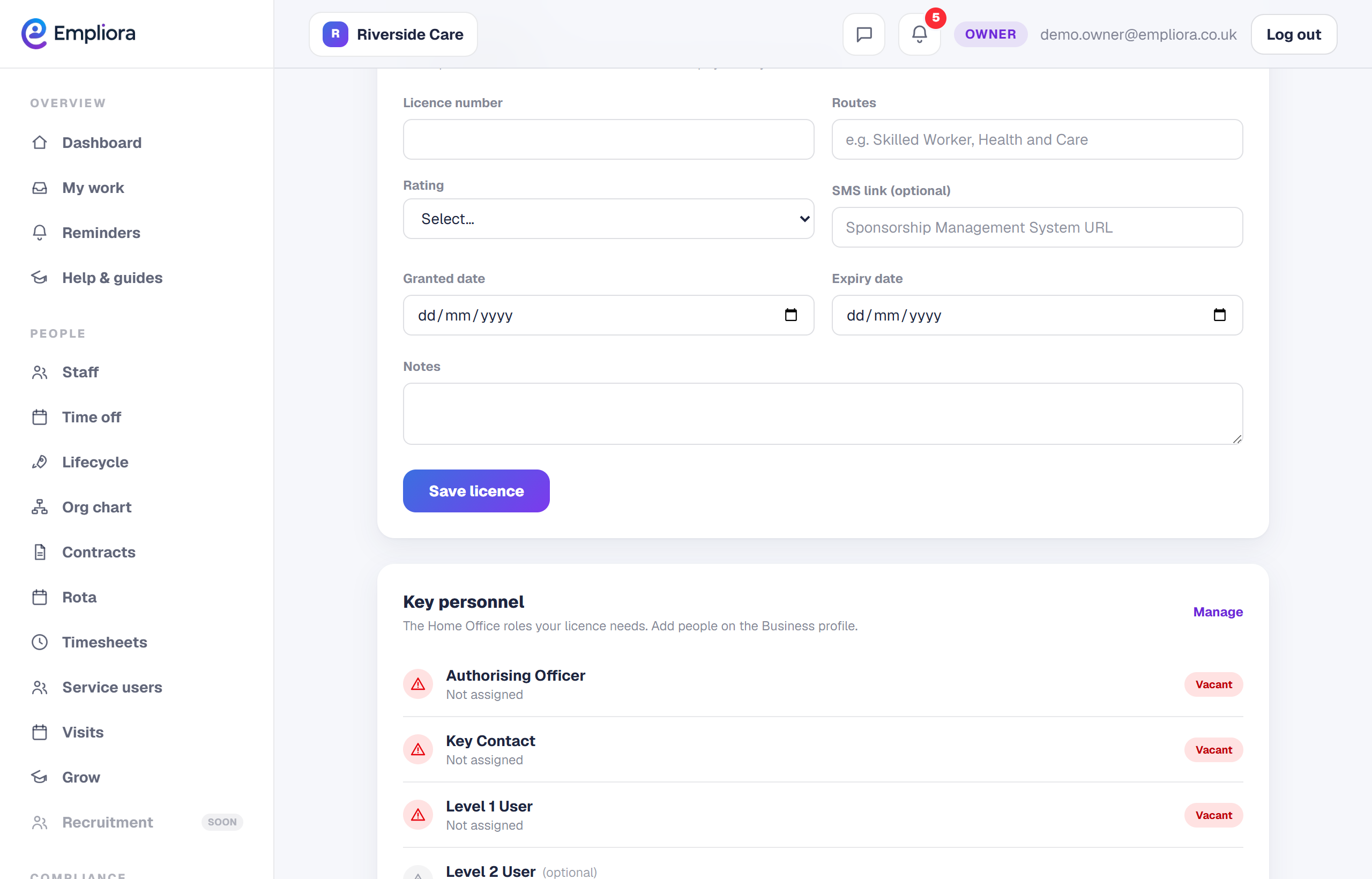
Add branches and key personnel
Record your branches and the key personnel, such as the Authorising Officer.
- 4
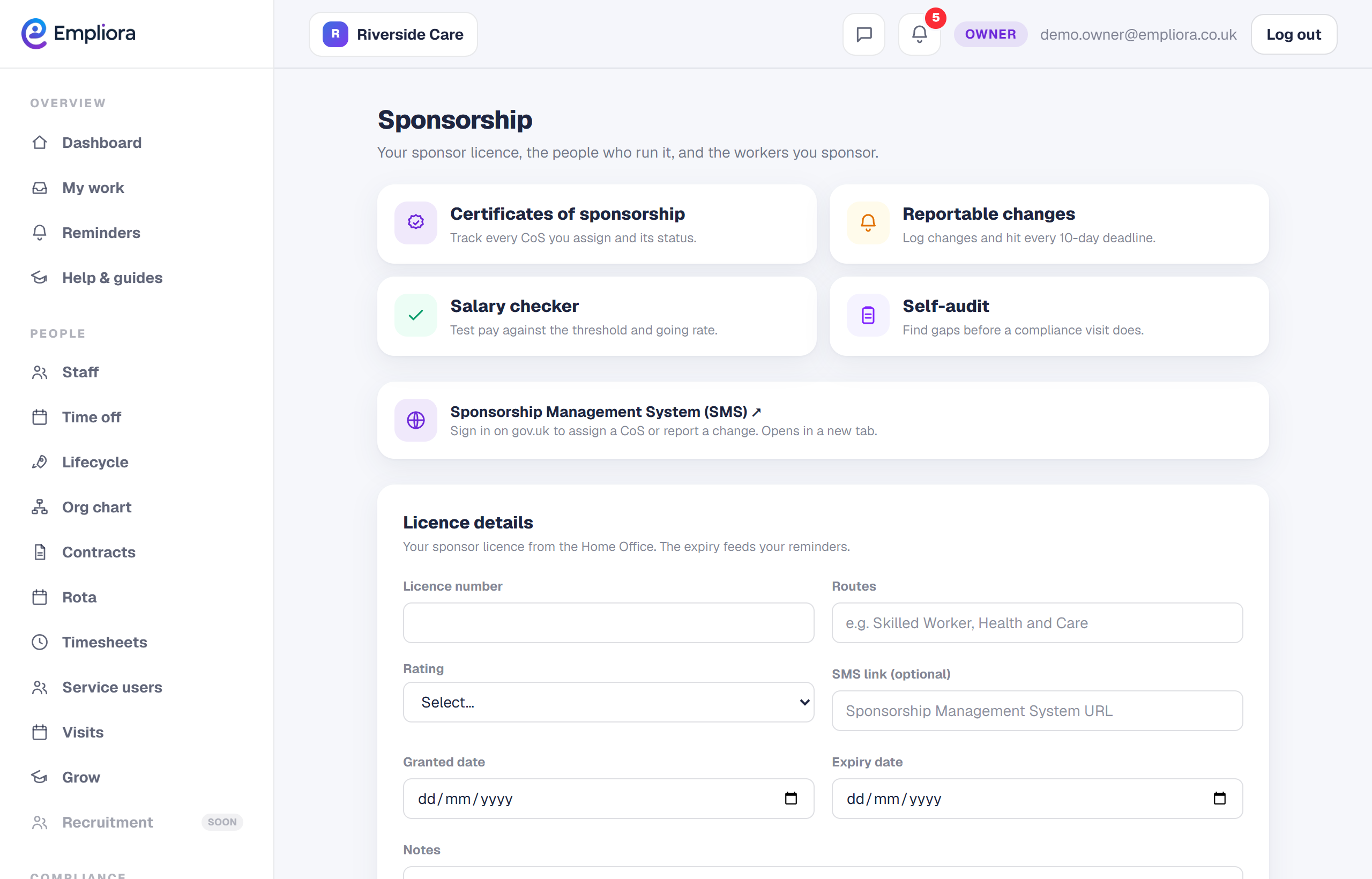
Turn on right to work
A sponsor licence switches on right to work checks automatically, so your checks and your licence stay in step.
- 5
You are all set
Your licence, branches and key personnel are on file, and the sponsor tabs are ready. Next, read "Track certificates of sponsorship".