ArticleYour business
Send an announcement
9 Oct 2026 · 1 min read
Reach your whole team with news they have to read.
Send an announcement and see who has read it. About 3 minutes. Before you start: You have staff on the app.
app.empliora.co.uk
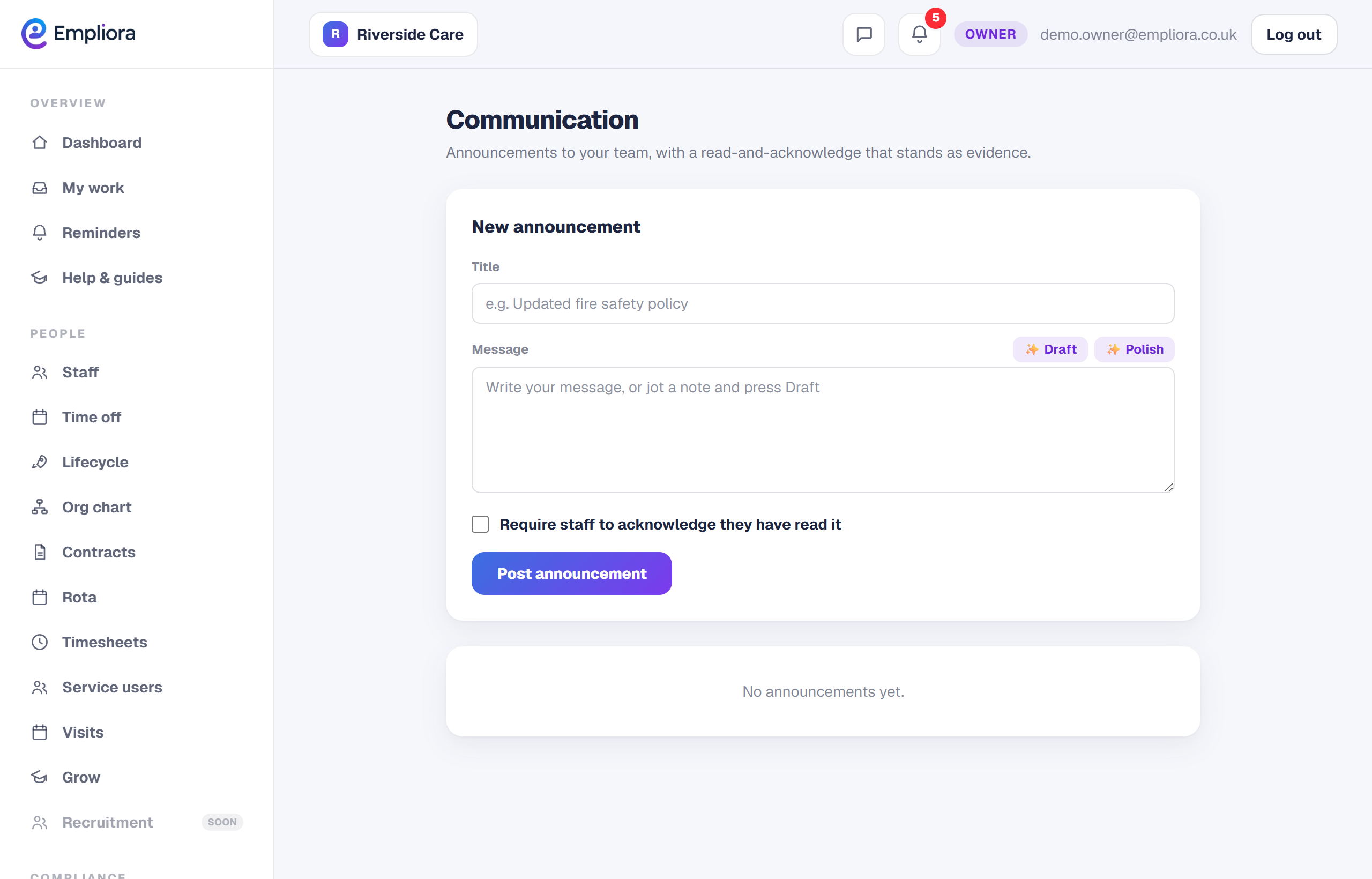
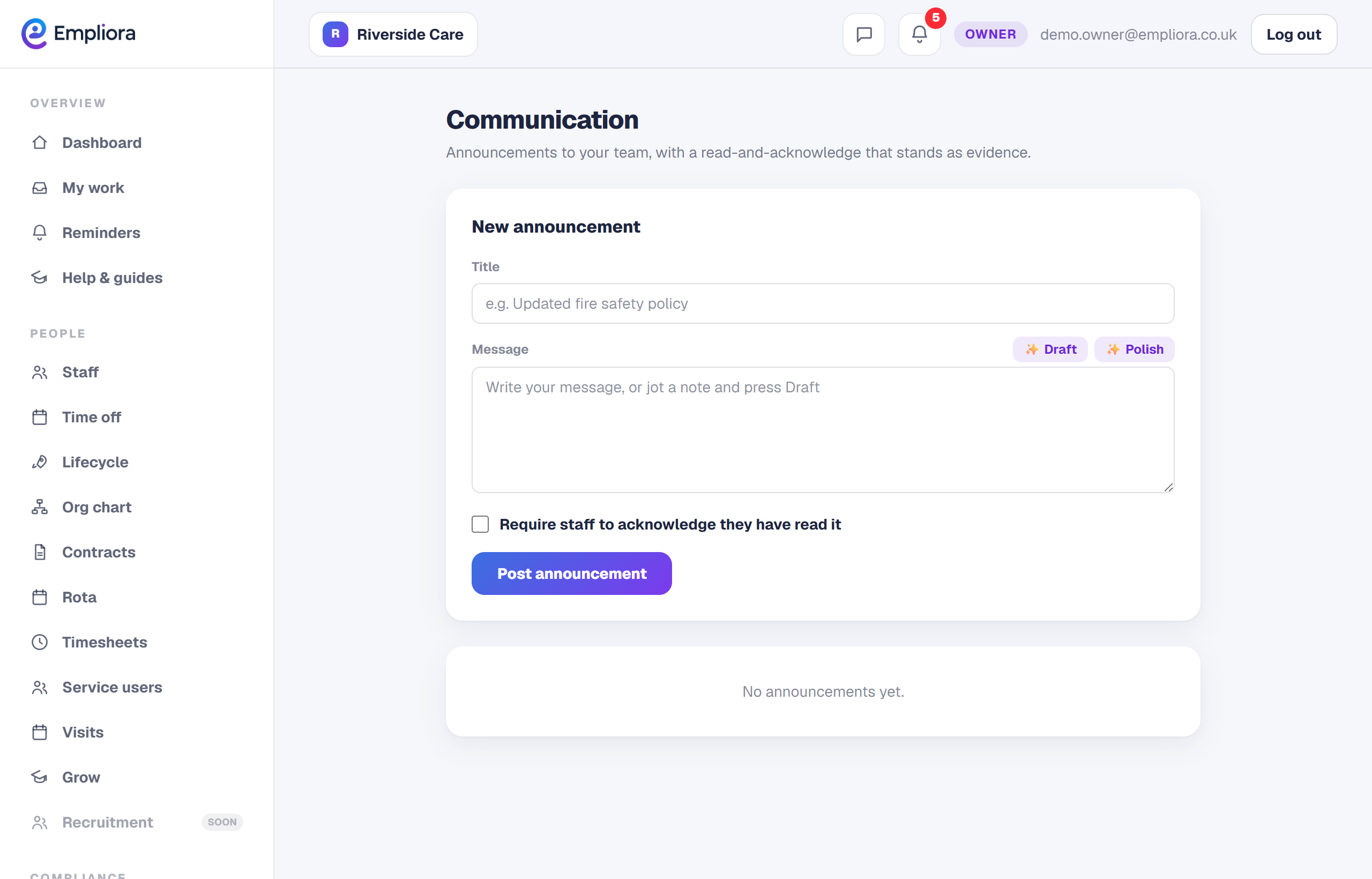
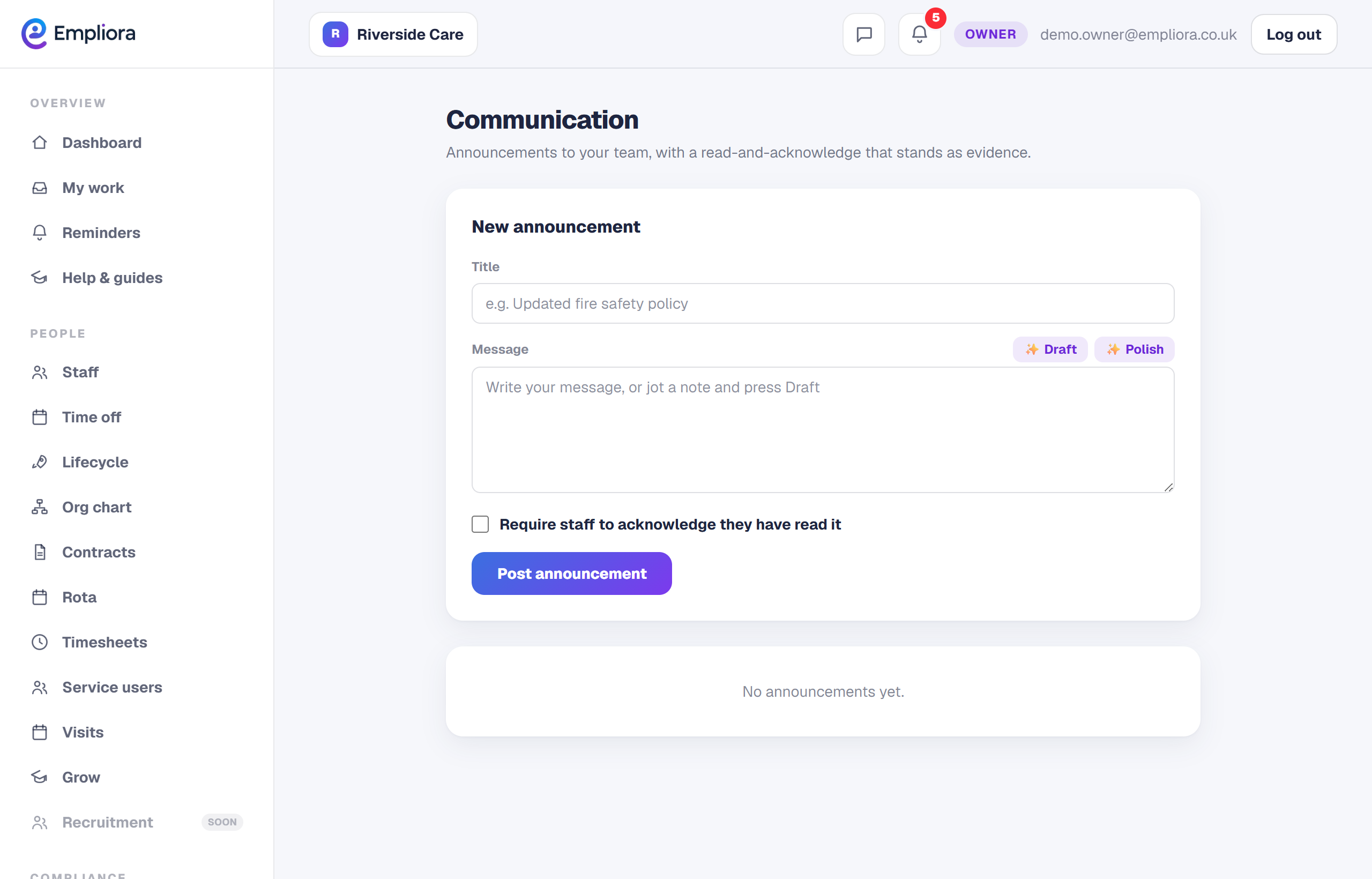
Write your announcement
1 / 3- 1
Open Messages
Open Inbox, then Messages.
- 2
Write your announcement
Give it a title and your message. Keep it short so it gets read.
- 3
Send and track reads
Send to the team, then see who has read and acknowledged it.
- 4
You are all set
Your team get the announcement in the app, and you can see who has read it. Next, read "Build a report".