ArticleSponsor licence
Report changes to the Home Office
9 Oct 2026 · 1 min read
Track reportable changes and their deadlines so nothing is late.
Log a reportable change and keep its deadline in view. About 4 minutes. Before you start: A reportable change has happened, such as a worker leaving or a change of role.
app.empliora.co.uk
Log what changed
1 / 3- 1
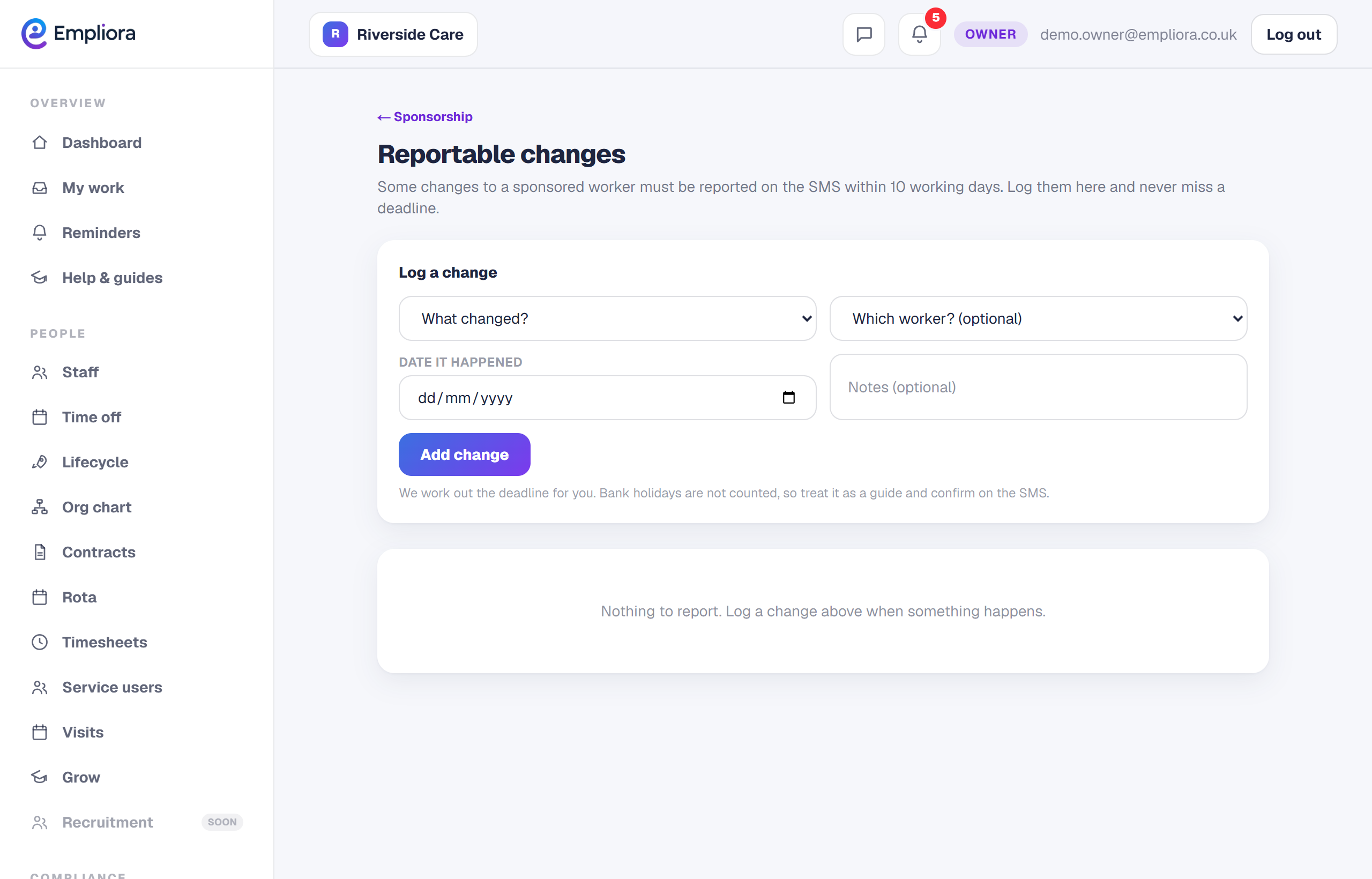
Open Reportable changes
In People, then Sponsor, open the Reportable changes tab.
- 2
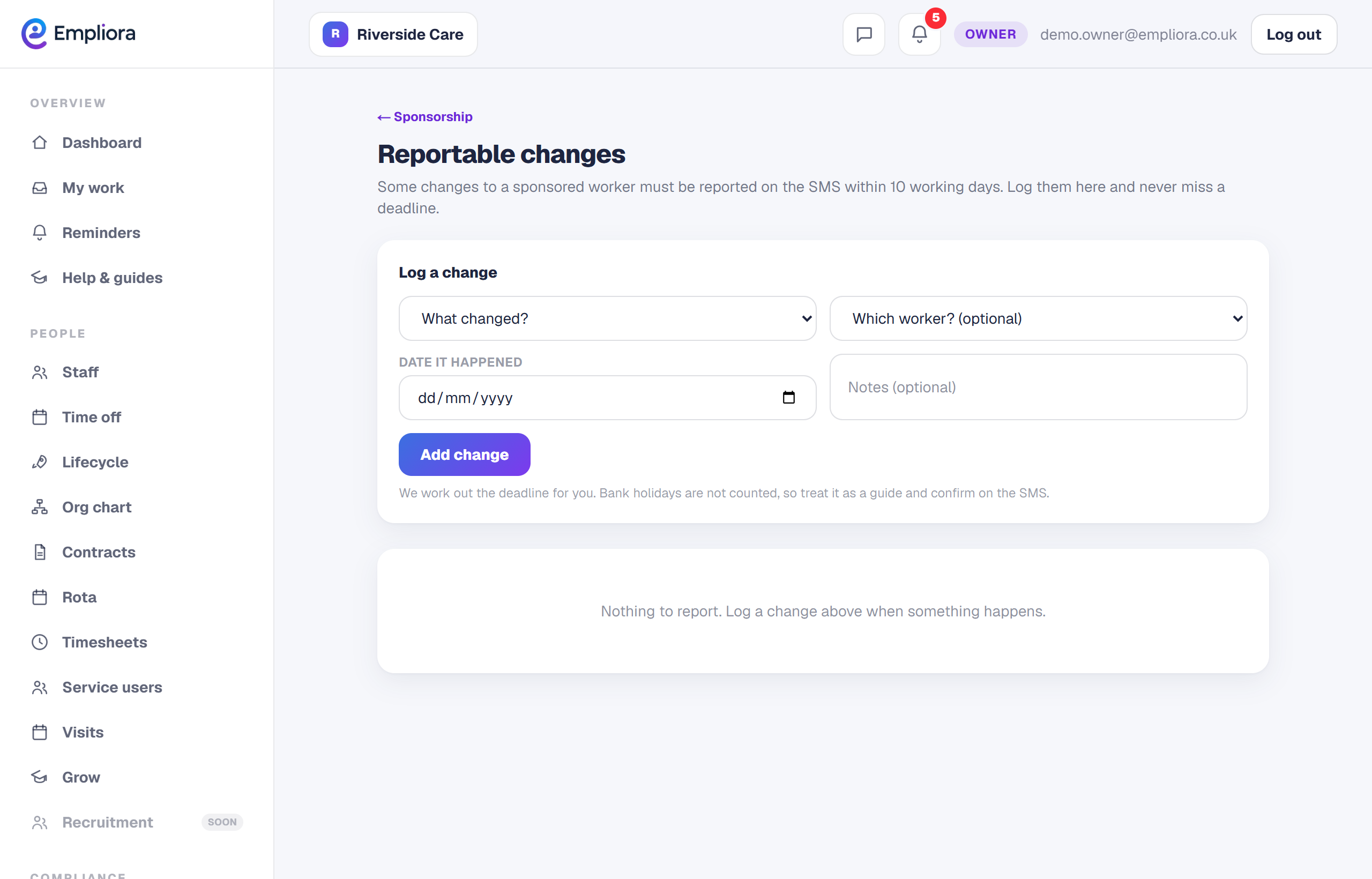
Log the change
Record what changed and the date it happened.
- 3
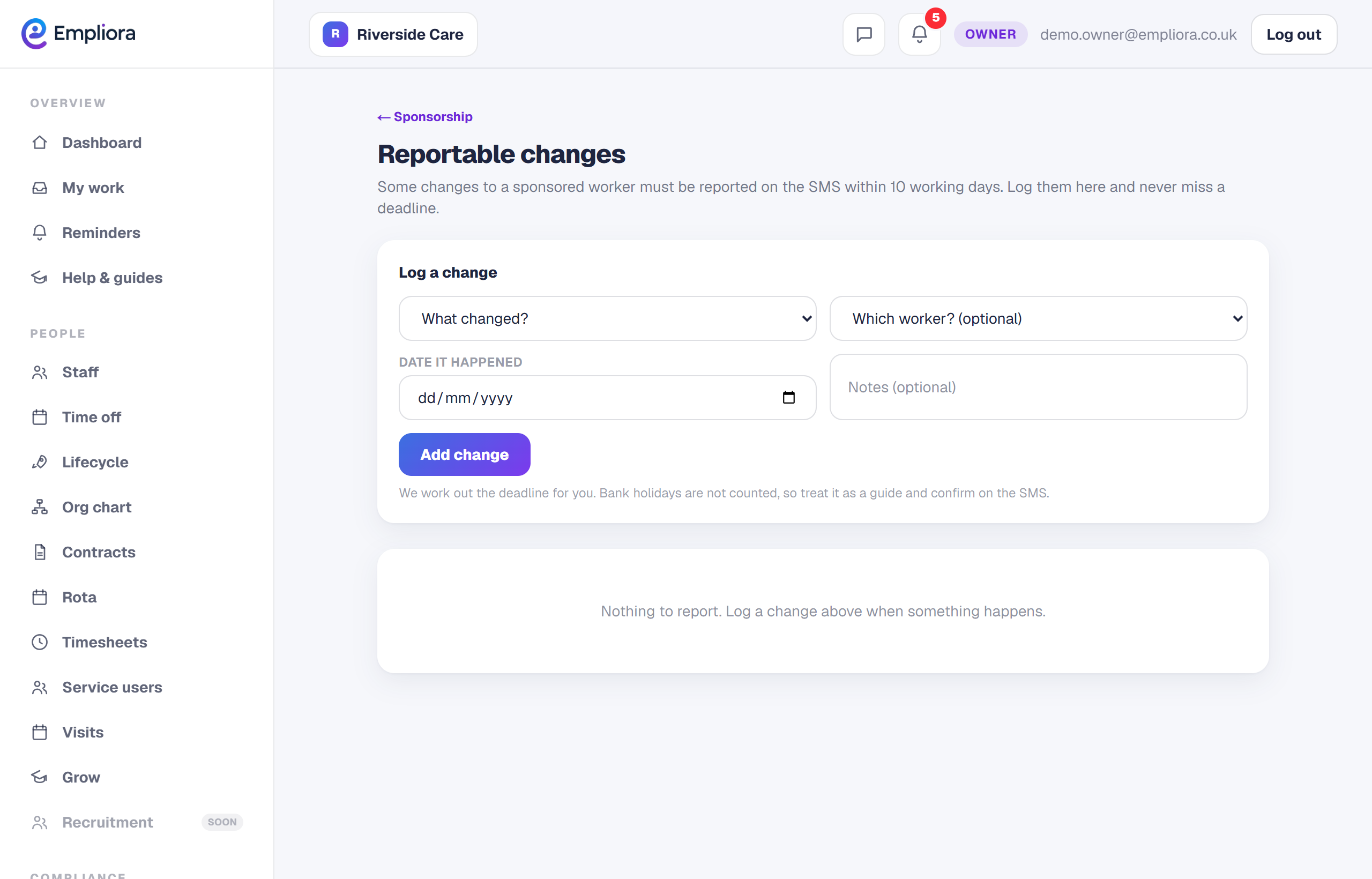
Watch the deadline
Empliora shows the reporting deadline, usually within ten working days, and reminds you.
- 4
You are all set
The change is logged with its deadline, and you are reminded before it passes. Next, read "Check a sponsored salary".