ArticleScheduling and time
Plan and publish the rota
9 Oct 2026 · 1 min read
Build a week of shifts, see the cost, and notify your team.
Plan a week, check the wage cost, and publish it to your staff. About 8 minutes. Before you start: You have staff with their pay set.
app.empliora.co.uk
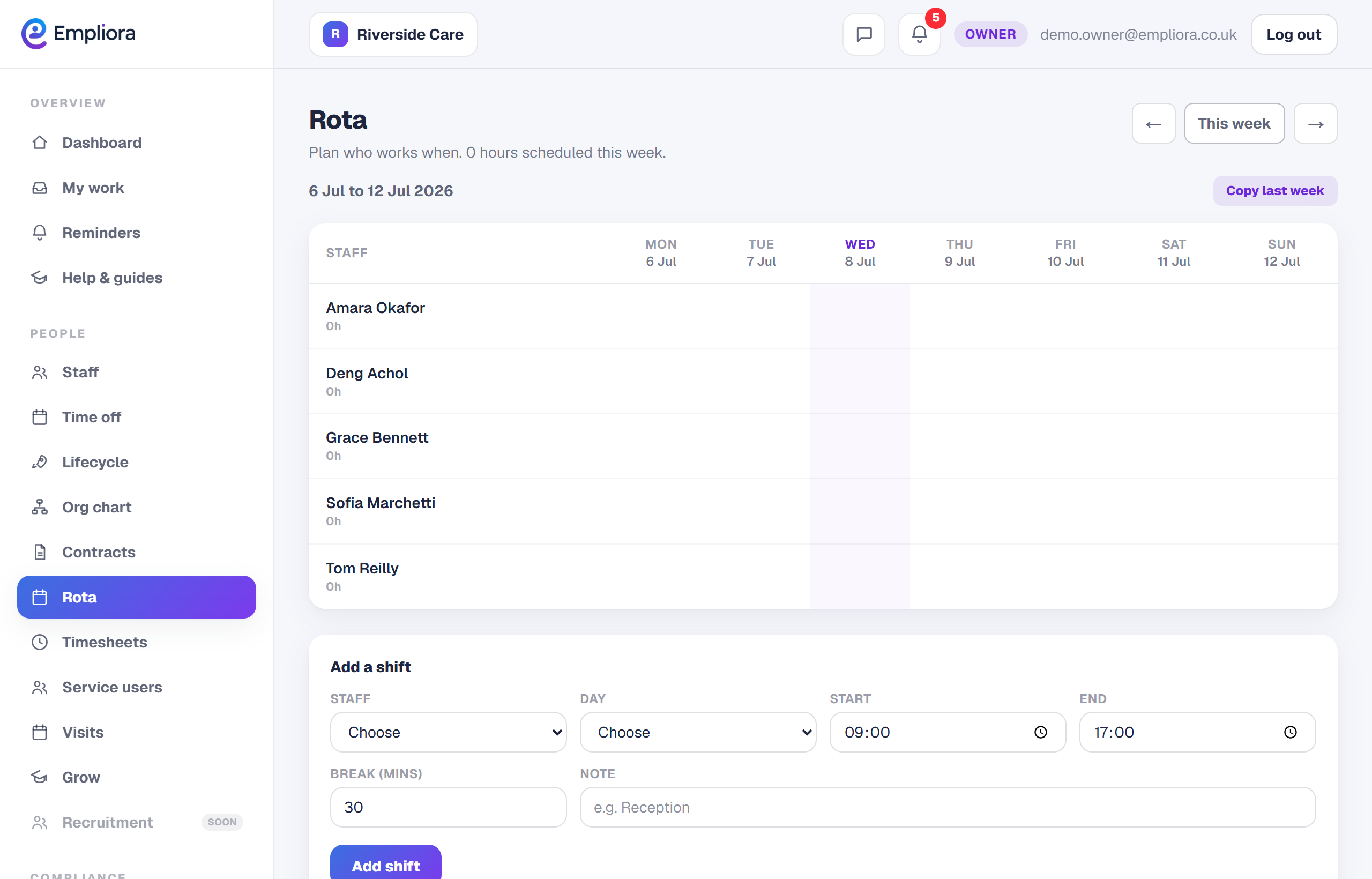
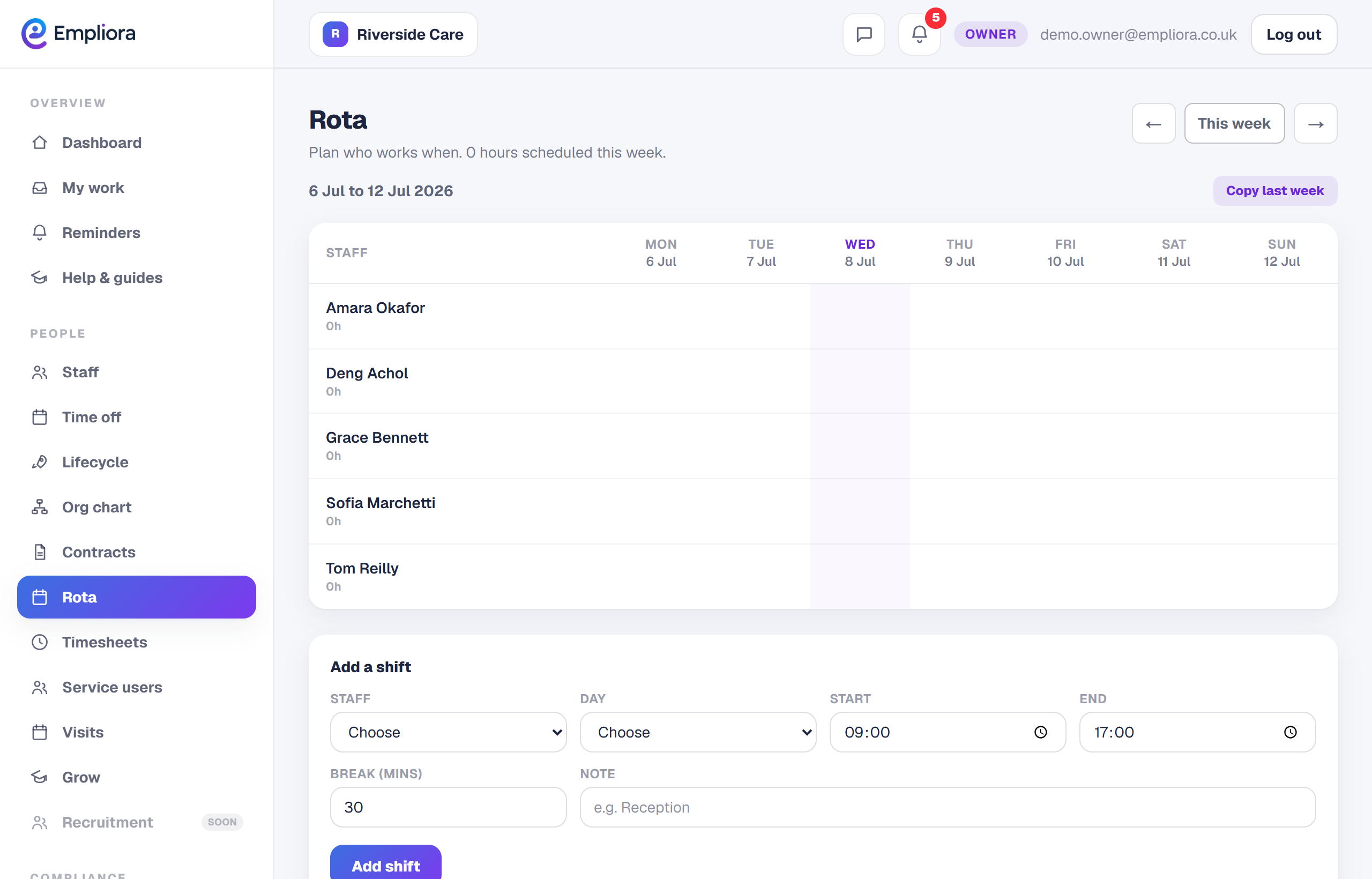
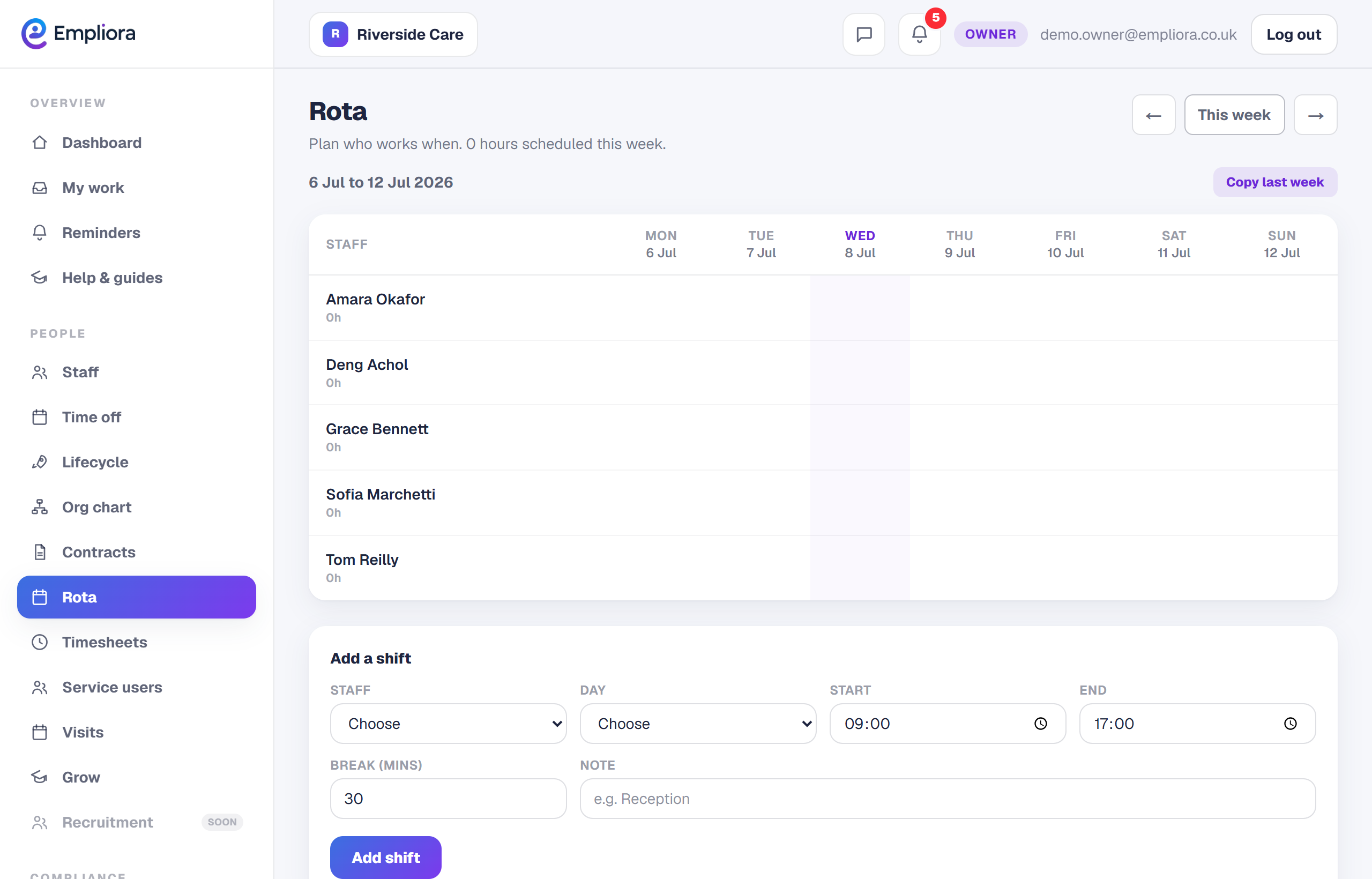
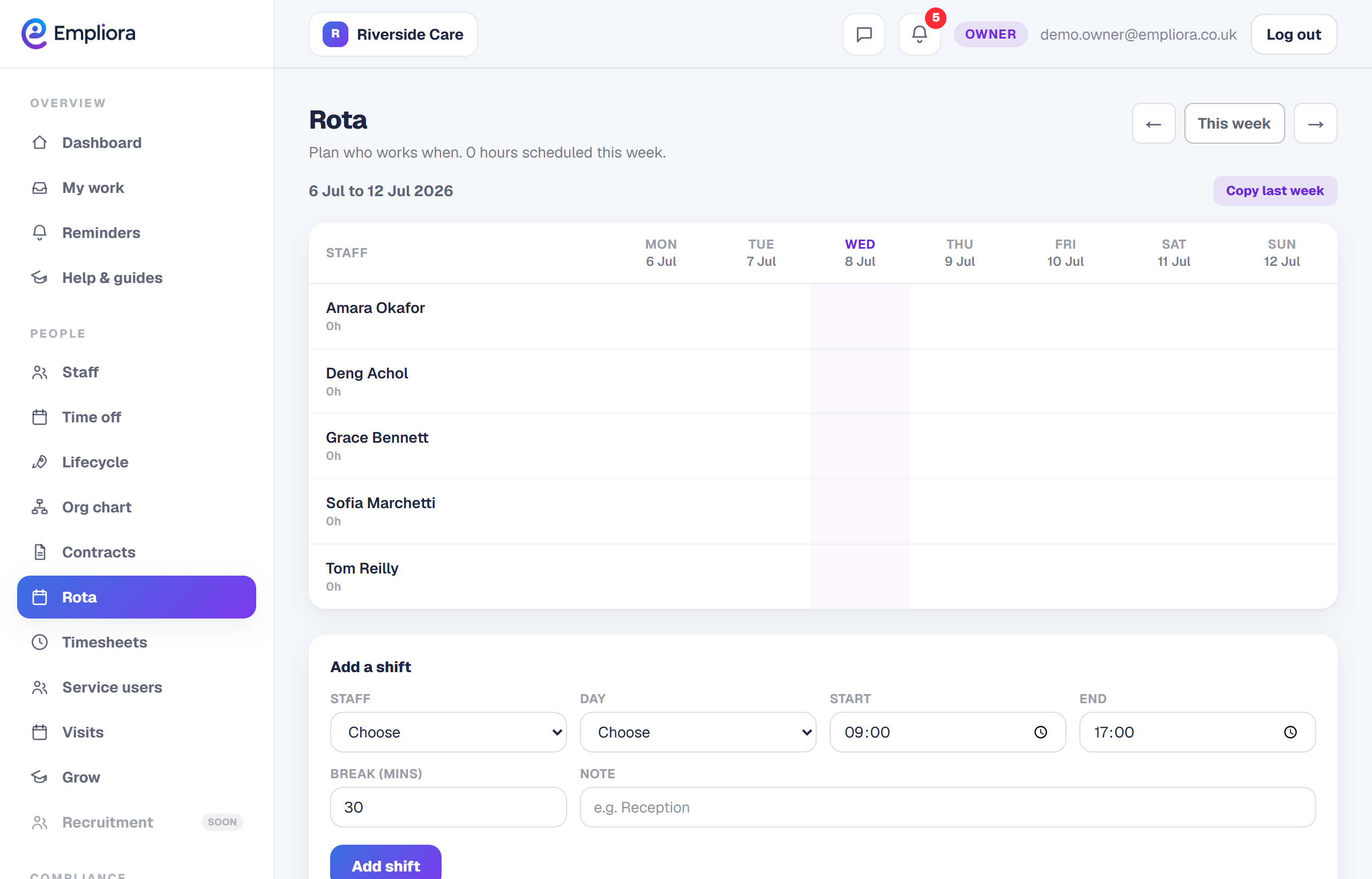
Add a shift to the week
1 / 4- 1
Open the Rota
Open Work, then Rota.
- 2
Add shifts
Select a day for a person and add a shift, or drag an existing shift to copy it. Give each shift a colour and label.
- 3
Watch the cost and the rules
The week total updates as you plan. Empliora warns if a shift breaks the 11 hour rest rule or a sixth or seventh day in a row.
- 4
Copy last week if it helps
Select Copy week to reuse a pattern, then adjust.
- 5
Publish and notify
Select Publish. Staff are notified and can see their shifts in the app.
- 6
You are all set
The week shows Published, and staff can see their shifts on their phones. Next, read "Set up timesheets and clocking in".