ArticlePay and documents
File payslips
9 Oct 2026 · 1 min read
Upload payslips and release them to staff on the right day.
Get payslips to your team securely, matched to the right person. About 5 minutes. Before you start: You have payslip files to upload.
app.empliora.co.uk
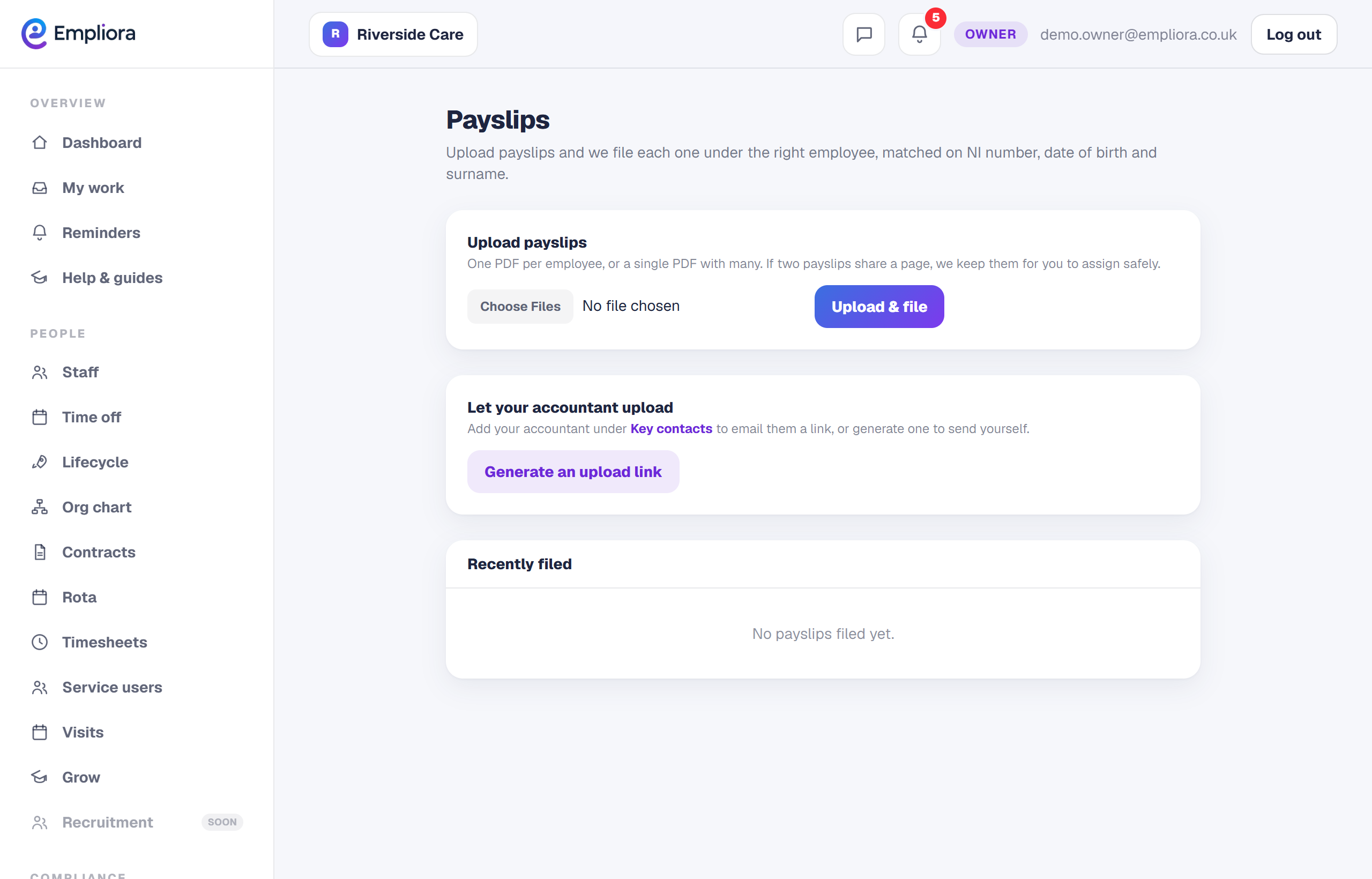
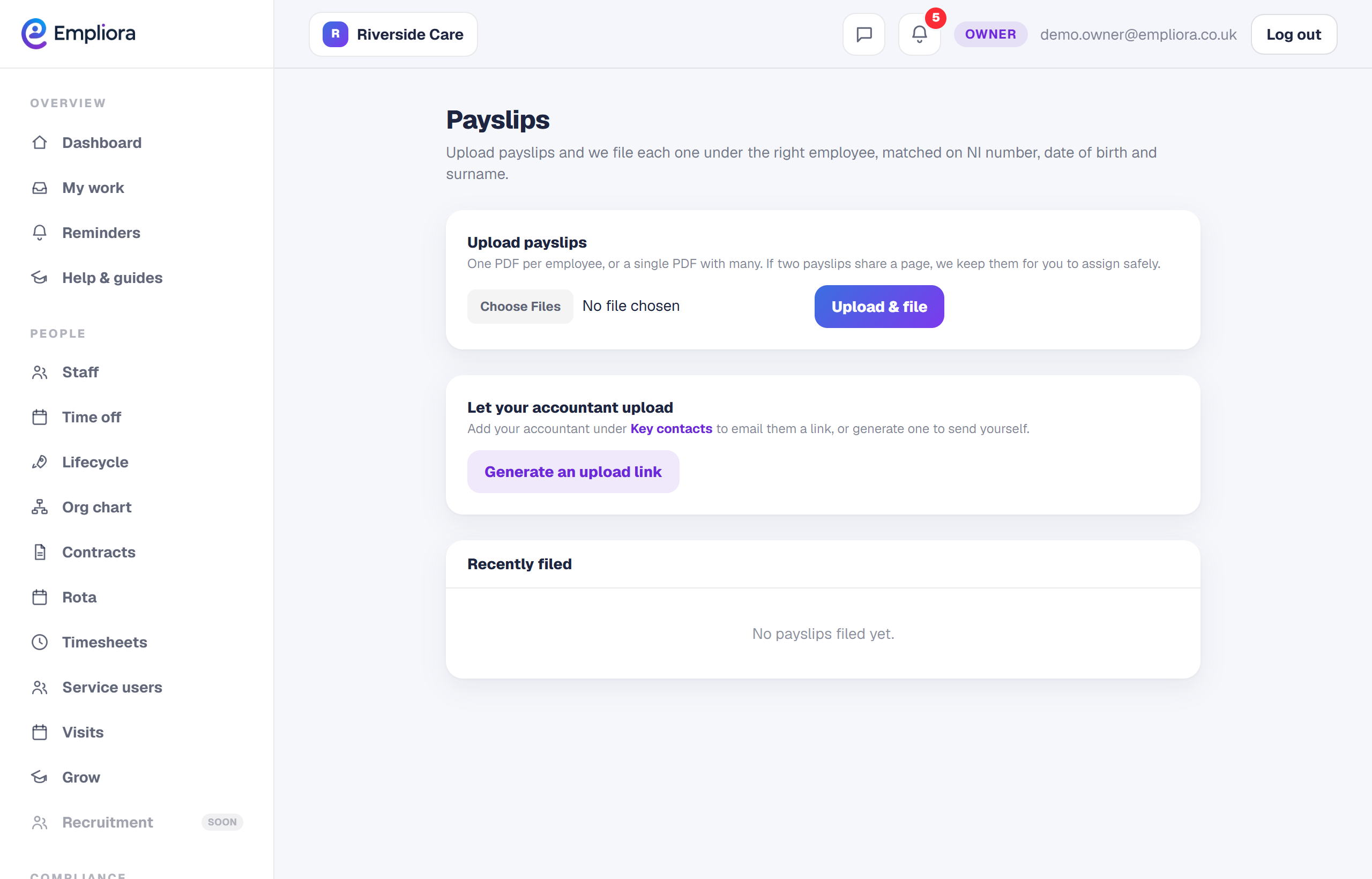
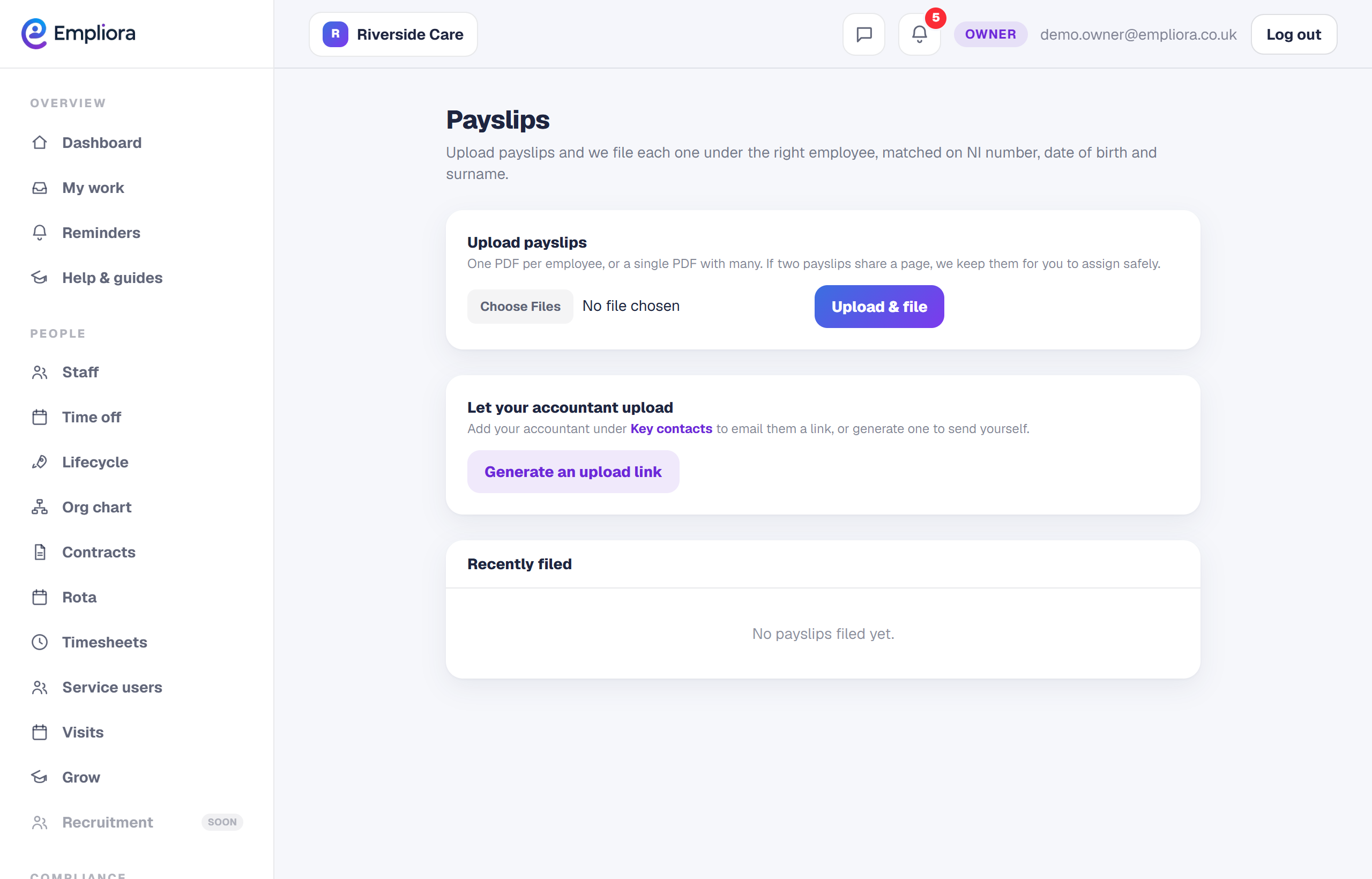
Upload the payslips, one file or many
1 / 3- 1
Open Payroll
Open Records, then Payroll, and go to Payslips.
- 2
Upload in bulk
Upload the pay run. Empliora matches each payslip to the right person for you.
- 3
Review the matches
Check the matches and fix any that need a hand before release.
- 4
Release to staff
Release now, or schedule it for payday. Each person gets theirs privately in the app.
- 5
You are all set
Each person can open their own payslip in the app on the day you chose. Next, read "Let your accountant upload payslips".