ArticleSponsor licence
Check a sponsored salary
9 Oct 2026 · 1 min read
Confirm a role meets the Skilled Worker salary and going rate.
Check a salary against the rules before you sponsor. About 4 minutes. Before you start: You have the job's SOC code or title, and the salary.
app.empliora.co.uk
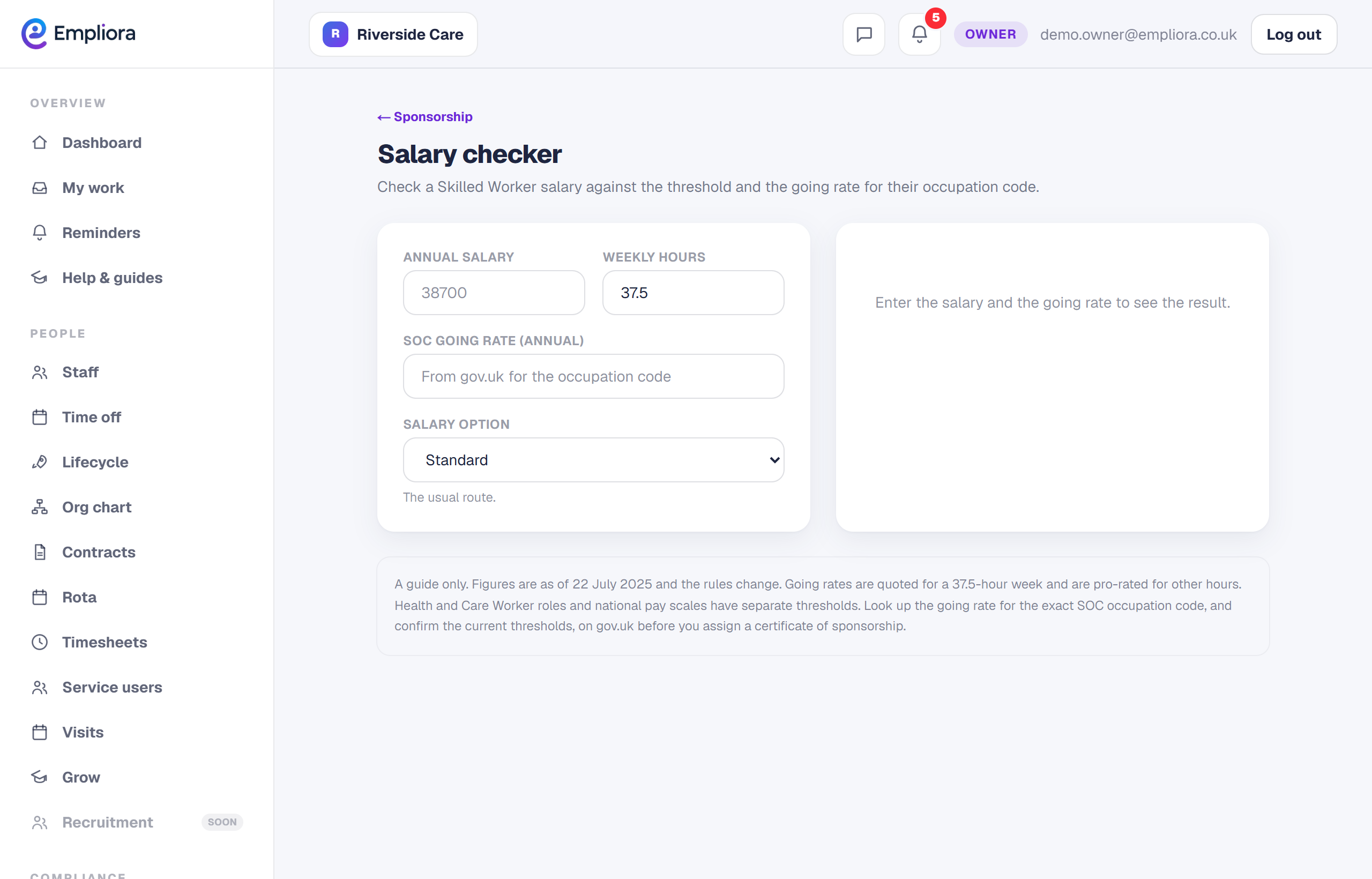
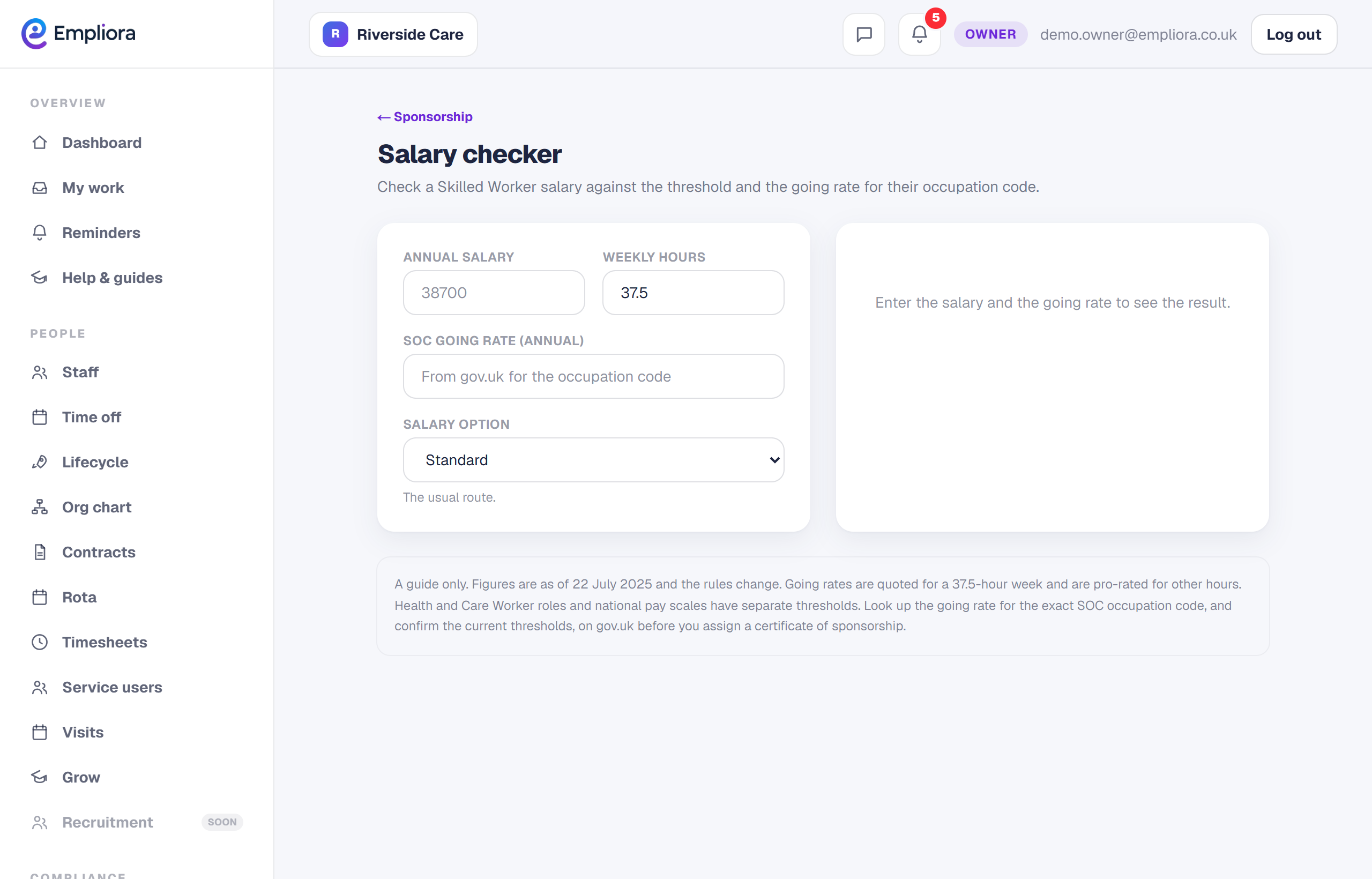
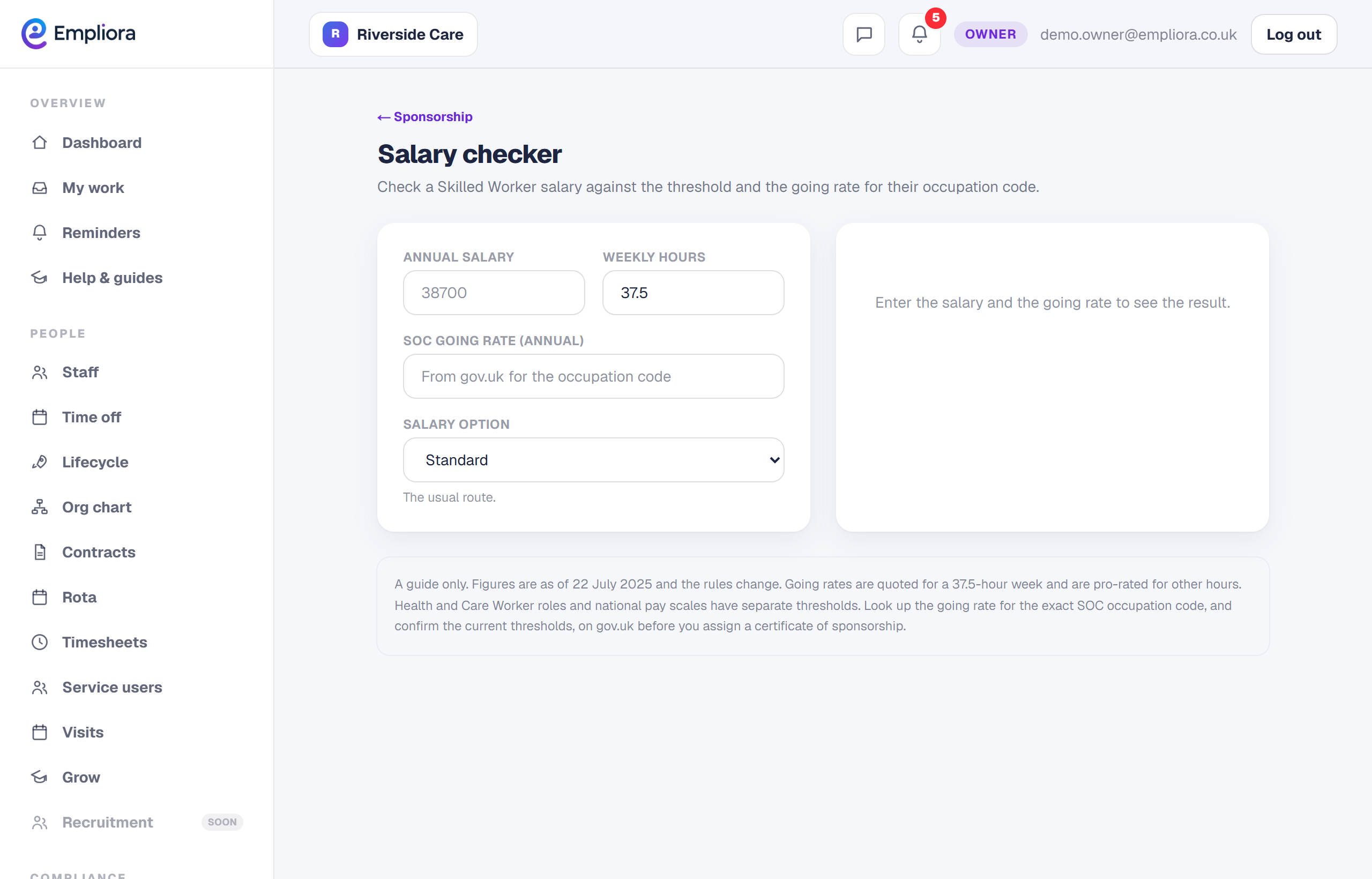
Enter the salary
1 / 3- 1
Open the salary checker
In People, then Sponsor, open the Salary checker tab.
- 2
Find the occupation
Search the job to find its SOC code and going rate.
- 3
Enter the salary and hours
Add the salary and weekly hours to test against the rules.
- 4
Read the result
See whether it meets the minimum and the going rate, including Health and Care where it applies.
- 5
You are all set
You know whether the salary meets the Skilled Worker rules for that role. Next, read "Run a sponsor self-audit".